Block intrusive ads
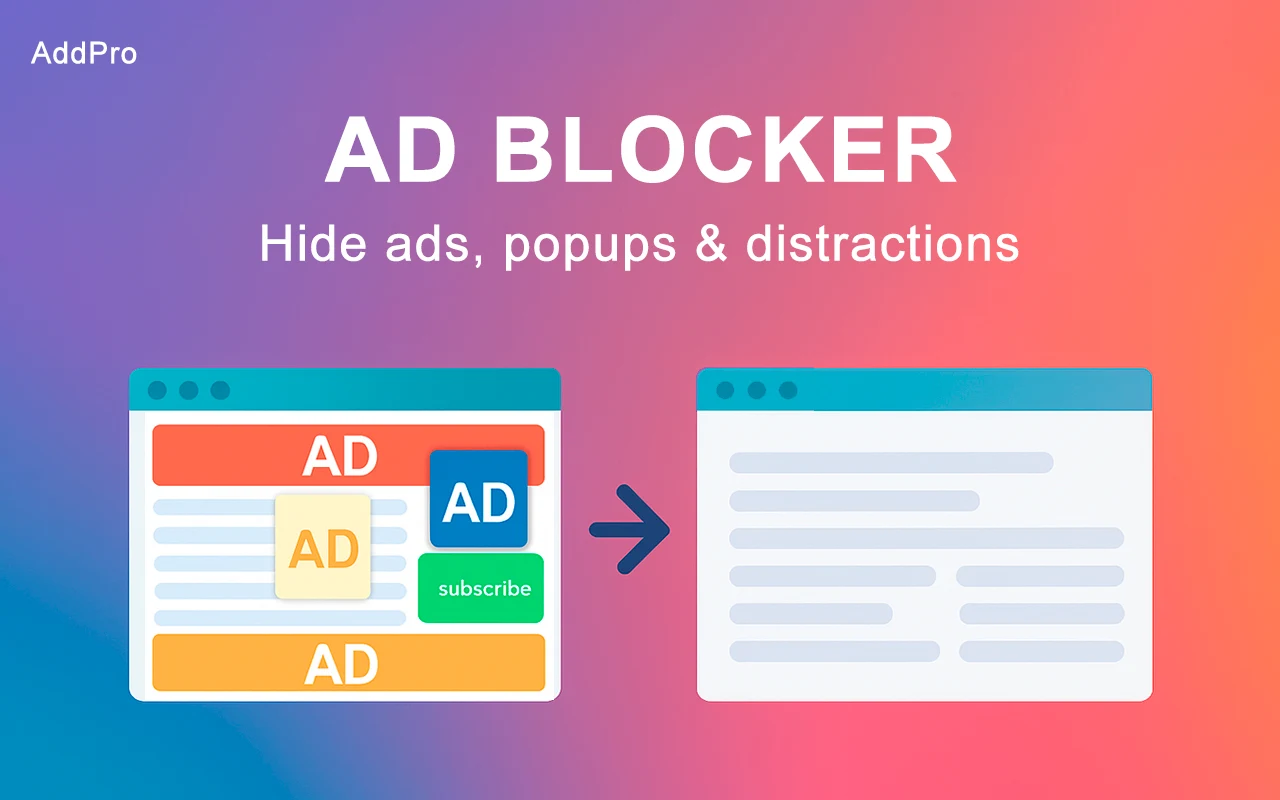
Remove common banners and advertising from the pages you visit, leaving more space for the content.
AddPro blocks intrusive ads, popups, and common trackers so the pages you visit feel calmer, cleaner, and easier to use.
Installs in a few clicks. Control protection per site.
 ProtectionOn
AddPro works in the background while you browse, cutting common interruptions before they pull your attention away.
Remove common banners and advertising from the pages you visit, leaving more space for the content.
Keep popup windows and disruptive overlays from breaking your flow.
Block common tracking scripts that follow browsing activity across the web.
Need ads on a trusted site? Pause protection for the current page in one click.
No new routine to learn. AddPro starts working automatically and stays within reach in your Chrome toolbar.
Open Chrome Web StoreOpen the verified Chrome Web Store listing and confirm the installation.
Ads, popups, and common trackers are blocked automatically as pages load.
Click the AddPro icon to pause protection for a specific site.
Some pages need a different approach. AddPro lets you pause blocking for the current site without changing protection everywhere else.
Still deciding? The Chrome Web Store listing has the latest product and privacy details.
View full listingYes. Once installed, AddPro begins blocking common ads, popups, and trackers while you browse.
Click the AddPro icon in your Chrome toolbar, then switch protection off for the current site. The change takes effect immediately.
AddPro blocks most standard ads, popups, and common trackers. Some newer or unusual ad formats may occasionally get through.
Removing resource-heavy ads and tracking scripts can reduce page clutter and help many pages load with less unnecessary work.
The current data-use disclosure is available in the Privacy section of AddPro's Chrome Web Store listing.
A quieter browser is one click away
Install AddPro Ad Blocker from the Chrome Web Store and browse with less noise.
Add to Chrome